I Made: Snoopy CSS Art

Link to Snoopy Code: Codepen.io
After completing the "Beginner's Guide to Pure CSS Images", I felt inspired to create more CSS art. I think it's a fun, easy task that replaces doomscrolling and is something I can do while listening to a podcast. There are certainly more useful things I could be coding, but I see it as fun as coloring with crayons.
My immediate thought was to create Snoopy, so I found this image online to recreate.
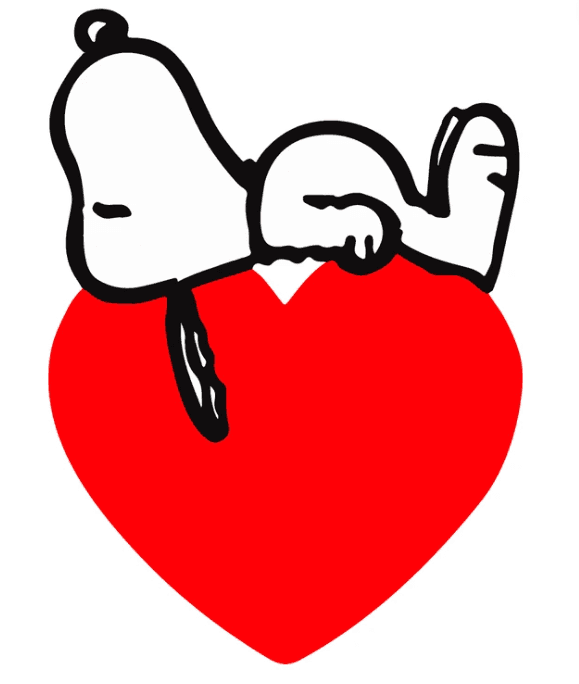
I think I did an okay job at copying him!
Reflection
I liked the reference picture because Snoopy would be a layer up on the heart. The first layer is the heart, second is the black body, third is the white body, and the fourth layer are the details like toes and eyes. When planning, I realized that I broke the art into simple shapes which is exactly like how I draw. When trying to figure out a percentage of a div's width or height based on its parent, it felt similar to how I figure out proprtions like in a building. I know CSS art is silly and a useless skill even for understanding CSS fundamentals, but I found the similarites between thought processes fun!
The heart ended up being two circles and a triangle, the head was two ovals, the body was a circle with a border radius to flatten one side, legs were a rectangle, and the feet were rounded rectangles. The trial and error of finding the right height and proportion kept me busy for a few hours.
Most of Snoopy was in a position absolute to the heart, but at the arm it finally clicked on how to approach CSS art "smarter". With a rectangle with background:none, I created the general area of the arm. Based on that rectangle, I added children divs for the actual black outline and white filling for the arm. It was so much easier because already the divs were at the default absolute position instead of having to guestimate. You can see in the code where absolute position started to make sense.
While a silly exercise, it's helping kill the urge to ask ChatGPT for help. Instead, I know I can figure it out on my own. I learned you cannot have a div's z-index be less than the parent div's z-index and there was a 30 minute period where I kept on using position:relative instead of absolute and it felt great to figure out on my own what was going wrong.